

Markdown Table & README Builder
Visually build aligned GitHub Flavored Markdown tables, convert pasted CSV/Excel spreadsheets instantly, and generate Shields.io badges and GitHub Callout Alerts.
Markdown Table & README Builder: the tool
|  Method  | Endpoint         |  Auth  | Description                            |
| :------: | :--------------- | :----: | :------------------------------------- |
|  `GET`   | `/v1/users/:id`  | Bearer | Fetch a single user profile by ID      |
|  `POST`  | `/v1/orders`     | Bearer | Create a new order and trigger webhook |
| `PATCH`  | `/v1/orders/:id` | Bearer | Update order shipping status           |
| `DELETE` | `/v1/sessions` | Bearer | Revoke active refresh tokens || Method | Endpoint | Auth | Description |
|---|---|---|---|
| `GET` | `/v1/users/:id` | Bearer | Fetch a single user profile by ID |
| `POST` | `/v1/orders` | Bearer | Create a new order and trigger webhook |
| `PATCH` | `/v1/orders/:id` | Bearer | Update order shipping status |
| `DELETE` | `/v1/sessions` | Bearer | Revoke active refresh tokens |
Building developer portals, API docs, or open-source product ecosystems?
DEESU crafts clean developer documentation sites, interactive API playgrounds, and high-converting SaaS web apps.
How it works
Writing Clean GitHub Flavored Markdown (GFM) Tables
Markdown tables are one of the highest-leverage formatting tools in technical documentation—ideal for API reference endpoints, CLI flag glossaries, environment variable checklists, and SaaS pricing matrices. Yet typing pipe-delimited Markdown by hand is notoriously tedious: a single missing pipe (|) or misaligned separator row causes GitHub, GitLab, or Docs engines to render raw broken text instead of a table.
Under the GitHub Flavored Markdown (GFM) specification, every table requires a header row, a delimiter row with at least three hyphens per column (---), and zero or more body rows. Placing colons on the delimiter row controls horizontal alignment: :--- aligns left, :---: centers values (ideal for checkmarks, booleans, and HTTP status codes), and ---: right-aligns numeric metrics and currency columns.
Pretty-Aligned vs. Compact Markdown Tables in Git Diffs
Engineering teams generally choose between two formatting philosophies when committing Markdown tables to Git repositories:
- Pretty-Aligned Tables: Pad each column with spaces so every vertical pipe lines up cleanly in monospace code editors and pull-request previews. Much easier to scan in raw source files.
- Compact Tables: Omit extra padding spaces (
| Col A | Col B |). While slightly denser to read raw, compact tables keep Git diffs minimal—editing one long cell does not re-pad every other row in the commit. - Escaping Special Characters: Any literal pipe inside a cell (such as a TypeScript union type
string | null) must be escaped asstring \| nullso Markdown parsers do not split the cell into an extra column.
Turning Spreadsheets, Excel, and CSV Exports into README Tables
Whenever you copy cells directly from Google Sheets, Microsoft Excel, or Notion, your clipboard contains tab-separated values (TSV). Database exports from PostgreSQL or BigQuery typically export comma-separated values (CSV) with quoted strings. Pasting either format into our CSV / TSV Importer automatically detects the delimiter, parses RFC 4180 quoted values, and converts the dataset into a clean visual table you can refine and align before copying into your README.md.
Elevating Open-Source READMEs with GitHub Alerts and Shields.io Badges
Modern GitHub READMEs go beyond static prose by using native GitHub Callout Alerts (> [!NOTE], > [!TIP], > [!IMPORTANT], > [!WARNING], > [!CAUTION]) to highlight breaking changes, security warnings, and installation tips with native icons and accent borders. Pairing a concise header row of Shields.io badges (license, build status, package version, and TypeScript support) gives developers immediate confidence in project health within three seconds of landing on your repository.
Questions, answered
\|), for example string \| undefined. For multi-line content inside a single cell, insert an HTML <br> tag—our Visual Table Editor automatically escapes pipes and converts newlines to <br> in the generated Markdown.> [!NOTE]) are a GitHub Flavored Markdown extension supported natively on GitHub.com, Obsidian, and modern static doc frameworks (like Docusaurus and VitePress). Older CommonMark parsers gracefully degrade them to standard blockquotes, so the content remains readable everywhere.-) to split <label>-<message>-<color>, any literal dash inside a label or message must be doubled (--), and spaces are encoded as underscores (_). Our badge builder automatically applies Shields.io escaping rules so your badge URL never breaks.Related reading and help
- Technical Writing
Writing API Docs Developers Actually Open Instead of Routing Around
Thorough documentation and useful documentation aren't the same thing. Here's what makes developers trust your docs instead of giving up and filing a ticket.
Aug 14, 20256 min read  Web Development
Paid Technical Writing in 2026: How Software Engineers Earn $300 to $1,000+ per Article with Zero Capital
Get paid $300 to $1,000+ per article writing developer tutorials and documentation. Real programs, $0 portfolio setup, and high-converting pitch templates.
Nov 5, 20266 min read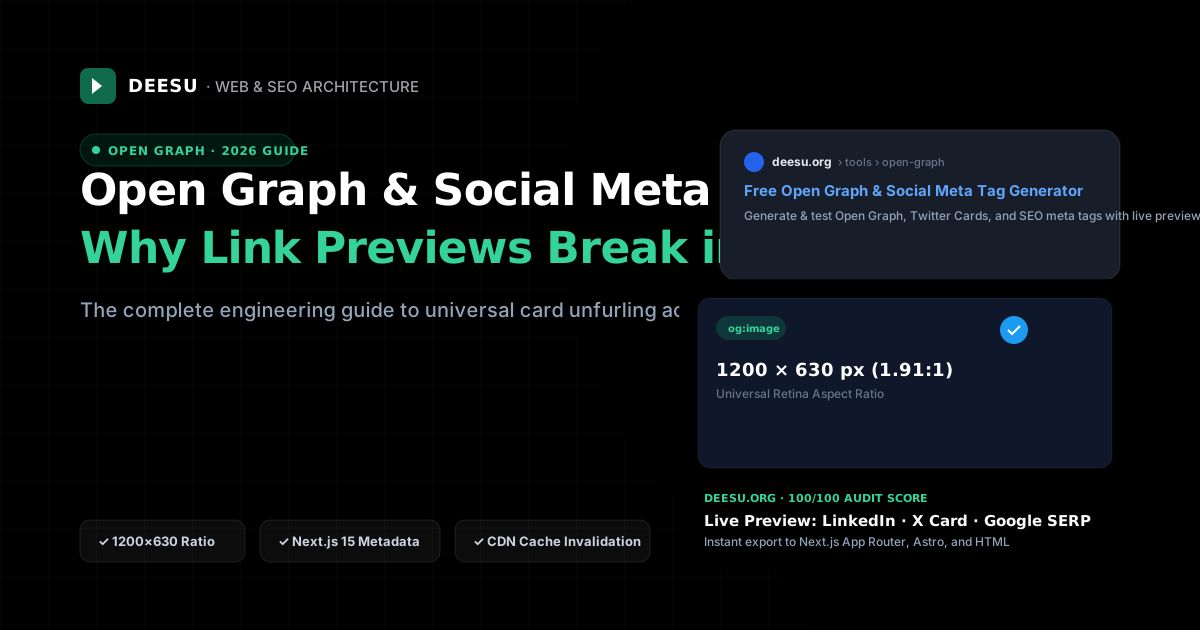 Web Development
Open Graph & Social Meta Tags in 2026: The Complete Guide to Bulletproof Link Previews
Why social link previews break on LinkedIn, X, and Slack, how edge dynamic OG image generation works, and how to build metadata that maximizes clicks.
Oct 11, 20268 min read- DEESU serviceTechnical WritingDocumentation engineers actually read — API references, SOPs, and manuals written by people who understand the systems they're documenting.See the service
More free tools
- Open Graph & social meta tag generatorGenerate and test Open Graph, Twitter Card, and SEO meta tags with live previews for Google, X, LinkedIn, and Facebook.
- Google Play & App Store fee calculatorCalculate your exact take-home payout, compare standard 15% vs 30% cuts, and test if external billing saves money.
- App cost calculatorEstimate a price range for an Android app or website from its features, in your local currency.
- Google Play launch checklistAn interactive checklist covering the store listing, policies, quality checks and release steps.
- Project brief generatorAnswer a few questions and get a clear, copyable brief you can send to any development team.
- App privacy policy generatorAnswer a few questions and get a plain-English privacy policy and a delete-account page for your Android or iOS app.
- App icon generatorUpload one image and download every Android, iOS and favicon size, with adaptive icon safe-zone checks.
- Play Store listing optimizerCheck your title, short and full description against keyword, readability and Google Play policy rules.
- LLM token & cost calculatorForecast production AI API expenses across OpenAI, Anthropic & DeepSeek. Model prompt caching savings and routing arbitrage.
- JWT debugger & security inspectorDecode, verify, and audit JSON Web Tokens for alg:none bypasses, key confusion attacks, expiry status and leaked secrets.
- Cron expression generator & explainerBuild, validate and translate crontab schedules for Linux, AWS EventBridge, GitHub Actions and Kubernetes.
- JSON to TypeScript & Zod converterInstantly convert raw API JSON payloads into clean TypeScript interfaces and production Zod v3 validation schemas.
- Docker Run to Docker Compose converterConvert raw docker run commands into production Docker Compose v2 YAML with automated security hardening and healthchecks.
- cURL to Code converter (Fetch, Axios, Python, Go)Translate cURL commands into JavaScript fetch, Axios, Python requests, Go, Rust, and Node.js with 100% in-browser privacy.
- SVG optimizer & React JSX converterMinify and clean vector SVGs, strip Figma metadata, and convert to production React JSX, React Native, or Vue components.
- Regex tester, debugger & ReDoS auditorTest regular expressions live with capture groups, replace previews, plain-English explanations, and catastrophic backtracking detection.
- JSON formatter, validator & diff viewerBeautify, validate, minify, sort keys, and compare two JSON payloads side by side with nested JSONPath diff inspection.
- SQL formatter & query linterBeautify PostgreSQL, MySQL, SQLite, and T-SQL queries and catch SELECT *, missing WHERE clauses, and slow non-sargable scans.
- CSS to Tailwind v4 converter & OKLCH paletteConvert raw CSS declarations to Tailwind v4 utility classes and generate accessible 50–950 OKLCH color scales with @theme export.
- Base64, URL, HTML & SHA-256 hash toolkitEncode/decode Base64 (UTF-8 & URL-safe), URLs, HTML entities, Hex, and generate SHA-256, SHA-512 & HMAC signatures offline.
- UUID v7, UUID v4, ULID & NanoID generatorBulk generate cryptographically secure RFC 9562 UUID v7, UUID v4, ULID, and custom NanoIDs and decode embedded timestamps.
- Linux chmod permissions calculatorCalculate Linux octal and symbolic file permissions (755, 644, 600), configure SetUID/SetGID/Sticky bits, and export chmod commands.
- Robots.txt generator & AI bot blockerBuild valid robots.txt rules, control GPTBot, ClaudeBot, and CCBot AI crawlers, declare sitemaps, and test URL paths live.
- CSP & HTTP security headers generatorGenerate strict Content-Security-Policy, HSTS, and Permissions-Policy configs for Next.js, Vercel, Nginx, Apache, and Cloudflare.
Tell us what you're building.
Send the problem, not a polished brief. We'll tell you what it actually takes to ship it: stack, timeline and cost, before you commit to anything.